Sumhour on your phone and computer, installed from the browser
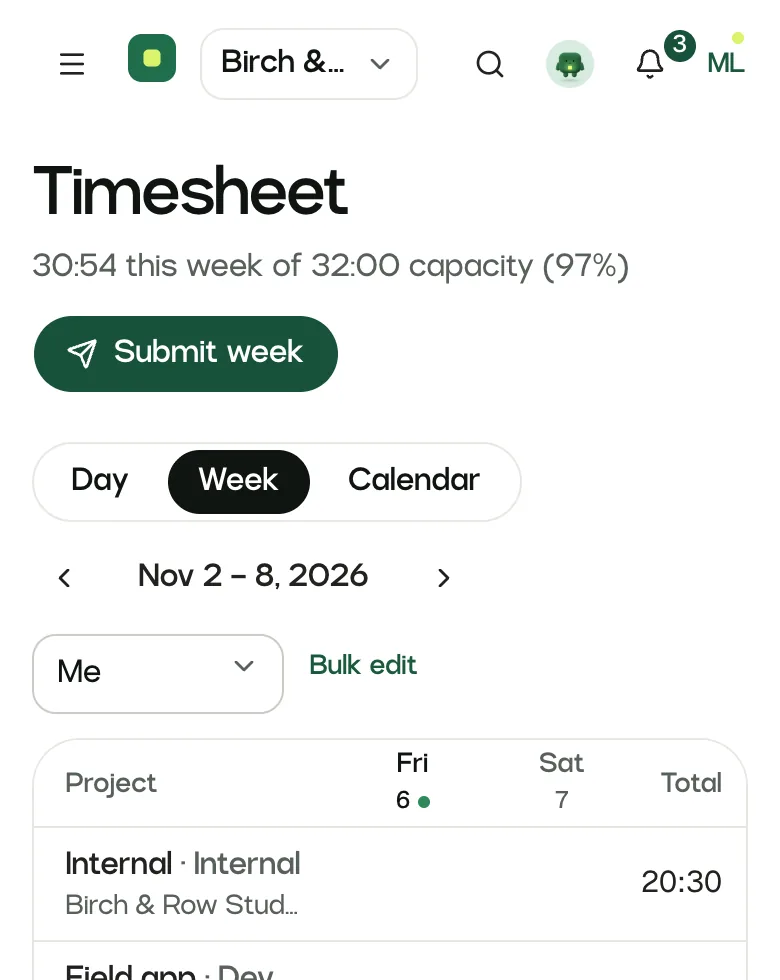
Sumhour installs like an app on a computer or a phone, with its own window and icon, and opens straight on your timesheet. It is the same Sumhour as in the browser, so everything you do in one is in the other.
In every plan. 30 days free, no card.
One timer, on whichever device is closest
Sam starts a timer at the desk, leaves for a client visit with it running, and stops it on the phone. The entry lands in the same week as everything else.
| Started on the computerLaunch site, Cedar Works | 9:30 |
|---|---|
| Stopped on the phoneAfter the client visit | 11:45 |
| Logged on Launch site | 2:15 |
Demo workspace: Birch & Row Studio, USD
Phone and desktop app in Sumhour, step by step
- 01
On a computer
In Chrome or Edge, open the account menu (your initials, top right) and choose “Install the app”, or use the install icon at the end of the address bar.
- 02
On Android
In Chrome, open the browser menu and choose “Add to home screen” or “Install app”.
- 03
On iPhone and iPad
In Safari, tap the share button and choose “Add to Home Screen”.
The same timesheet on a bigger screen
On a computer the installed app has its own window and sits in the dock or taskbar, away from your browser tabs. It opens on your timesheet, with the timer one click away.
For a timer inside the tools you already work in, the Chrome extension adds a Track button to 16 of them.
About the browser extension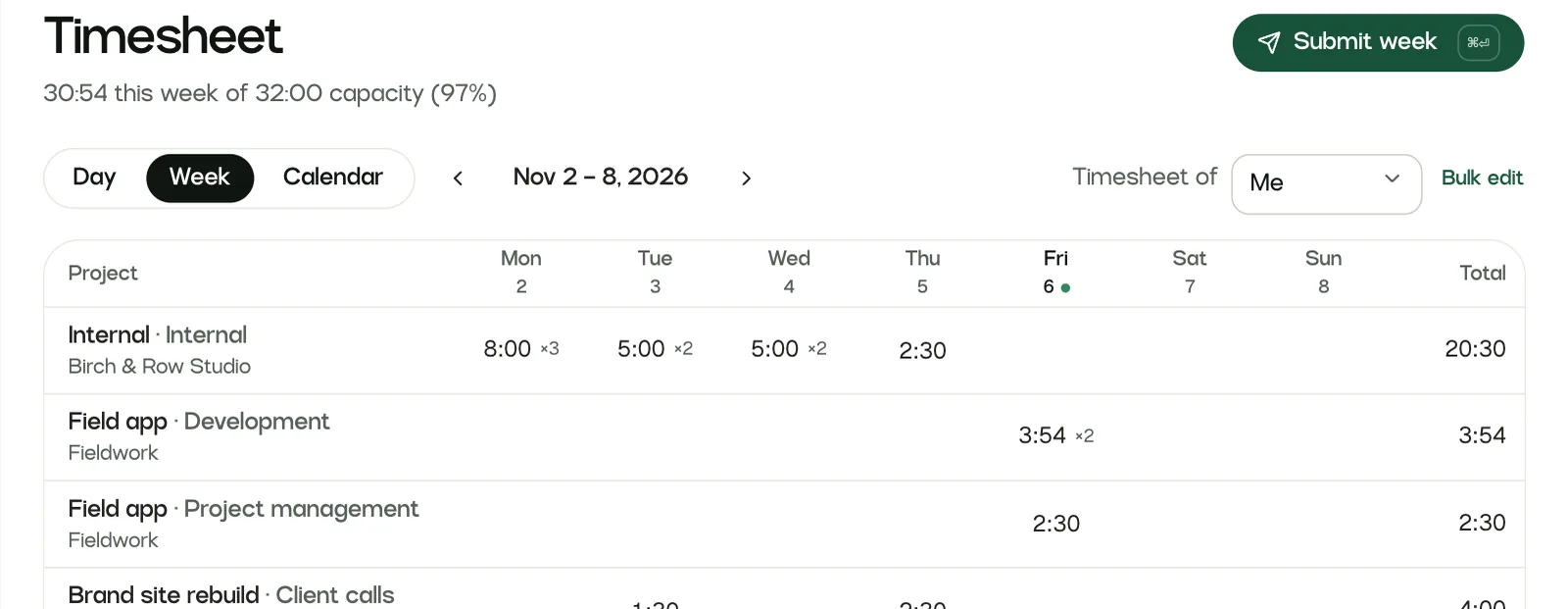
Phone and desktop app: limits to know about
- There is no app in the App Store or Google Play yet. Native phone apps come right after launch.
- There is no menu-bar desktop app with idle detection yet. That also comes right after launch.
- The installed app needs a connection. Without one it shows a short notice, and a running timer keeps counting on the server.
Missing something you need? Write to [email protected]. The person who builds Sumhour reads every message.
Phone and desktop app: common questions
Does Sumhour have a mobile app?
You can install Sumhour on a phone today from the browser, and it opens with its own icon and window. Native apps for the App Store and Google Play come right after launch.
Install steps in the guideDoes Sumhour have a desktop app?
Yes, in the same way: Chrome or Edge on a computer can install it as an app with its own window. A native menu-bar app comes right after launch.
Can I start a timer on my phone and stop it on my computer?
Yes. The timer runs on the server, so it carries on when you close the app or lose your connection, and you can stop it from any device you are signed in on.
Does the installed app work offline?
No. It needs a connection and shows a short notice without one. A timer that is already running keeps counting on the server.

